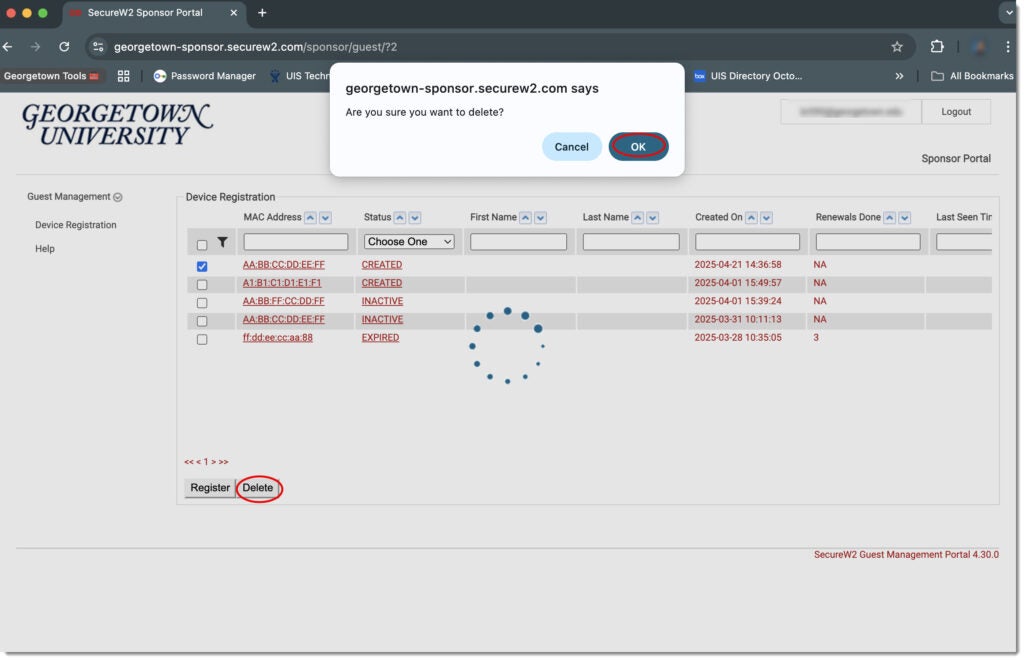
Removing a Device from GUGaming
(Note: Since GUGaming is not a secured network, the data is not encrypted, so a hacker could potentially listen in on a conversation, obtain personal information, or read your email or anything you print.)
You may add back any device you remove from your registered devices list. If you remove a device from your registered devices list, you can always add that device again later.
Log in to the GUGaming portal Web page with your NetID and password.
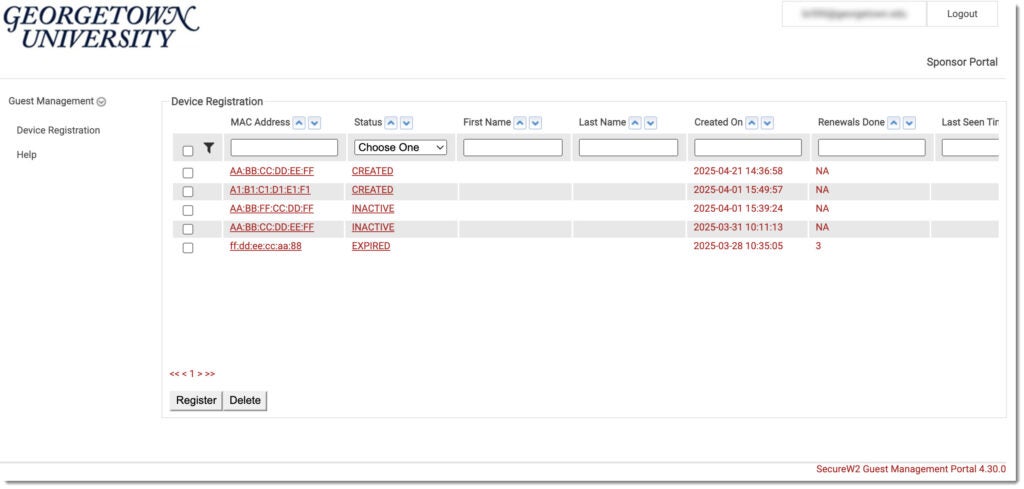
From the portal, click on the listing of the device you want to remove.
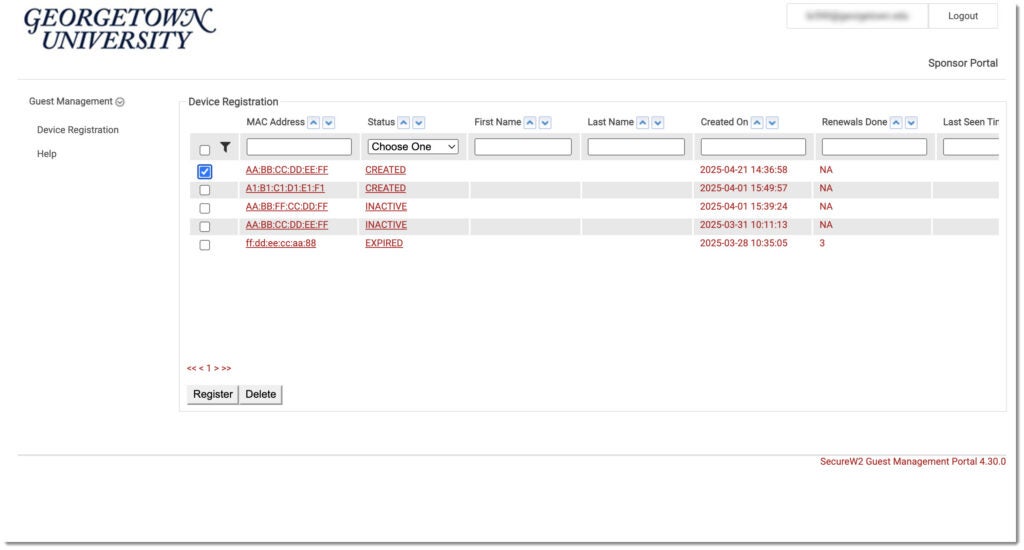
From the device details page, click Delete. In the pop-up window, click Yes to proceed with removing your device. The device listing page is displayed with your device no longer listed, as shown in the example below.