

Finding Out Your Current Storage Space Usage
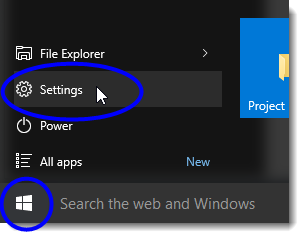
- Click on the Start button, and then select Settings from the Start menu.
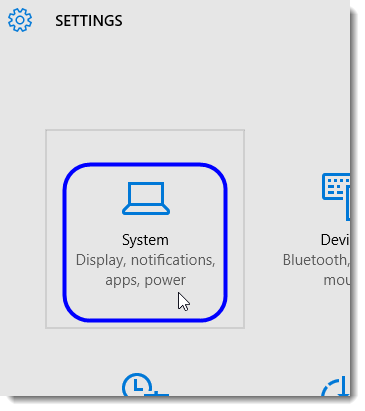
- Click on System from the Settings window.
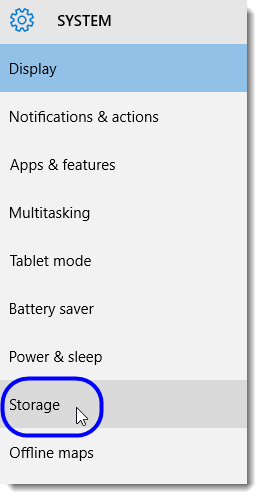
- In the System window, select Storage.
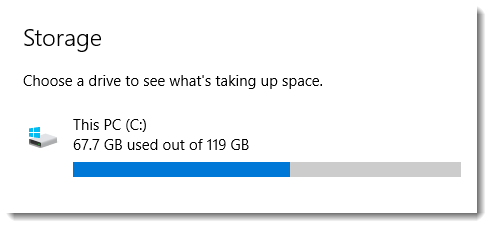
In the Storage area, you’ll see your storage space usage, as shown in the example below.