

Adjusting the Brightness Level of Your Computer Screen
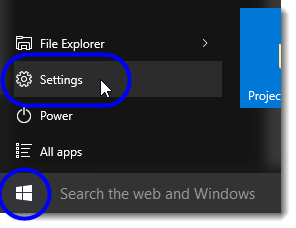
- Click on the Start button, and then select Settings from the Start menu.
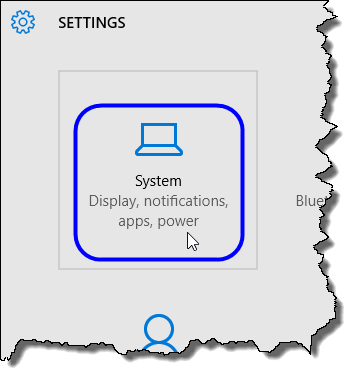
- In the Settings window, click on System.
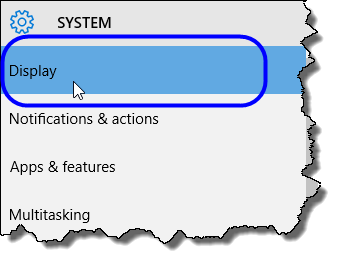
- In the System window, select Display.
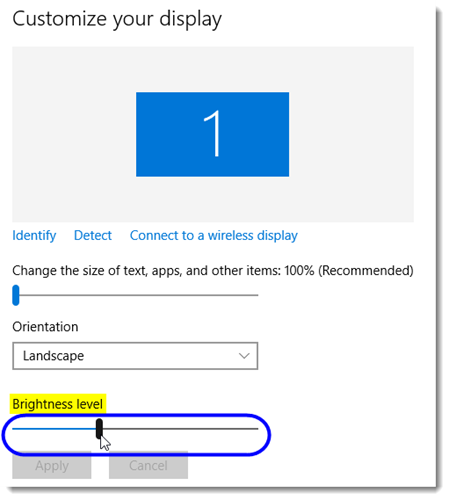
- In the Customize your display area, locate Brightness level. Move the slider until you’ve settled on the desired brightness. (The brightness level adjusts automatically as you move the slider.)
- Close the Settings window when you’re done.