

Making MS Edge Your Default Browser
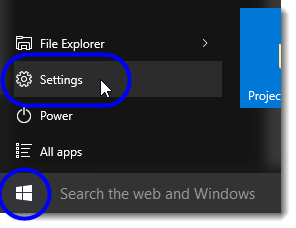
- Click on the Start button, and then select Settings from the Start menu.
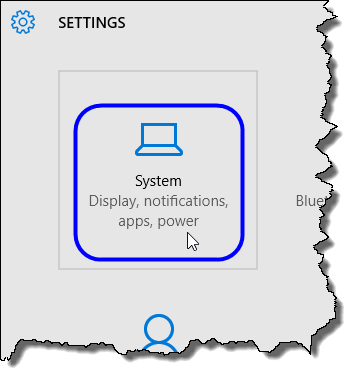
- In the Settings window, select System.
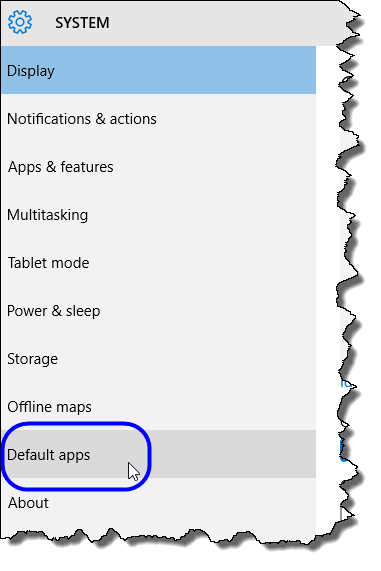
- In the System window, click on Default apps.
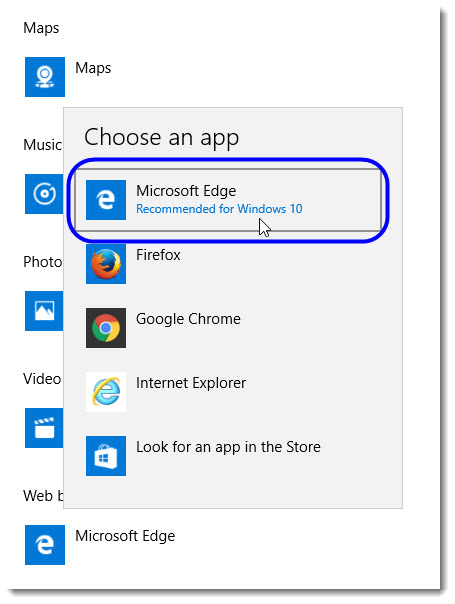
- In the Choose default apps area, scroll down until you see the Web browser listing.
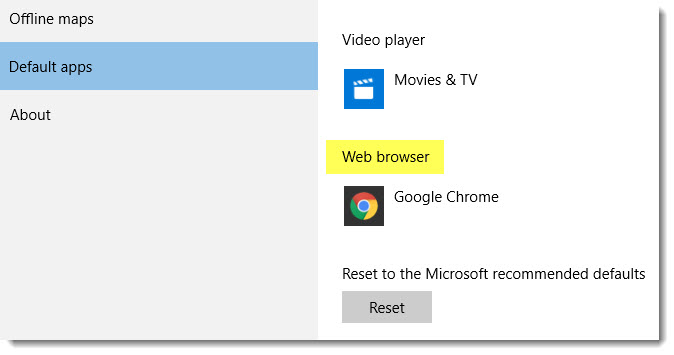
- Click on the current selection to display a drop-down list of all choices, and then select Microsoft Edge.
- Close the Settings window when you’re done.