Disconnecting from the GlobalProtect VPN (Windows)
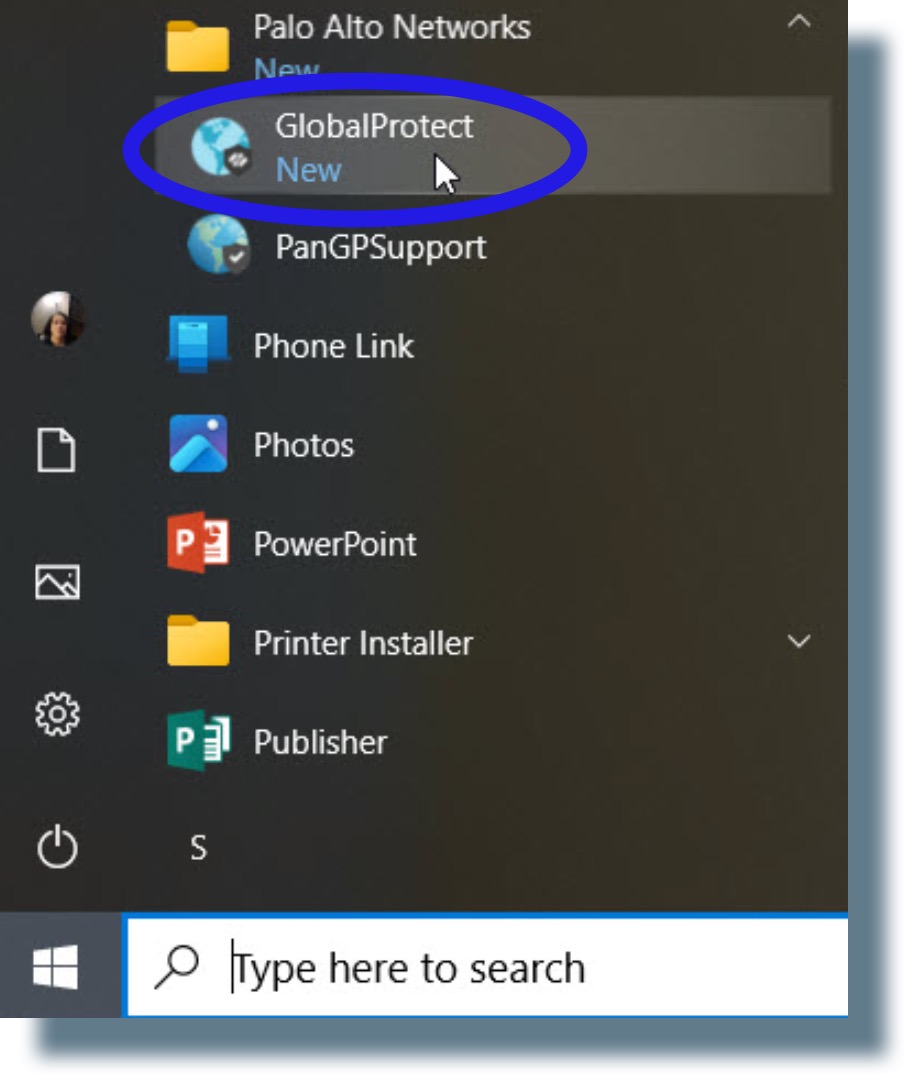
- Open the GlobalProtect VPN by clicking on the Windows Start menu and then selecting GlobalProtect from the application listing.
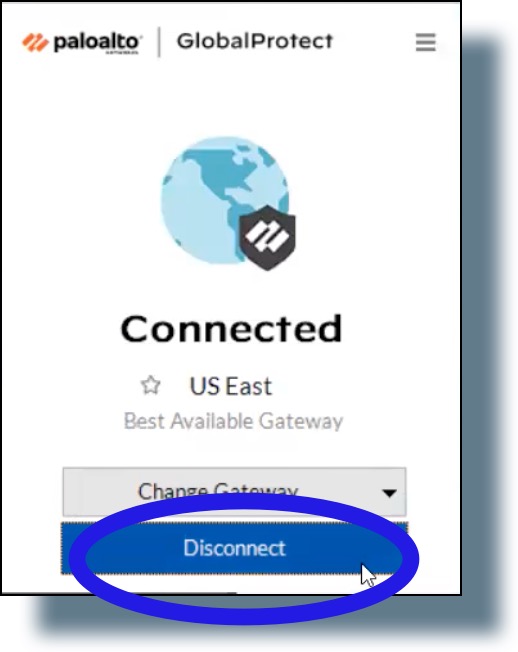
- Click Disconnect in the pop-window.
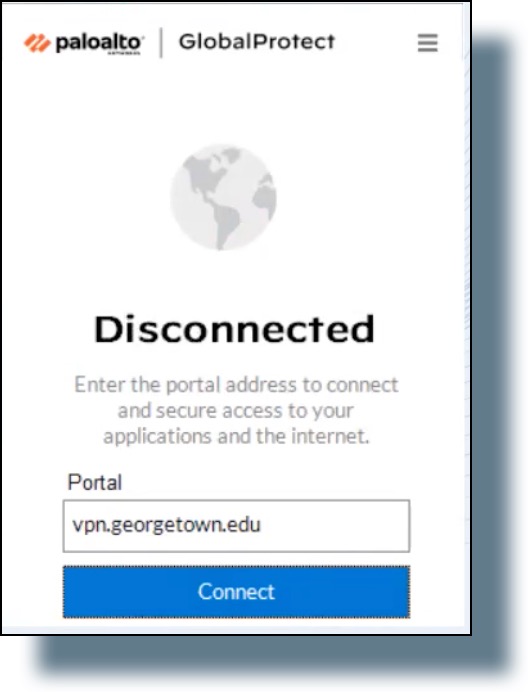
You should see the following confirmation message that you’re disconnected from the VPN: